 Domain SearchSecure your perfect UAE domain in seconds.
 Domain TransferSeamless domain transfer. Zero downtime, complete control.
 All TLDsSecure your ideal domain. Explore local UAE and international extensions.
 WHOIS LOOKUPCheck domain ownership, expiry dates, and registrar details instantly.
 AE DomainRegister a .AE domain and build trust in the UAE.
 SSL CertificatesProtect your site with trusted SSL Certificates to secure data and build customer confidence.
 .com DomainGet the world’s most trusted domain and build credibility from day one.
 Web hostingFind budget-friendly hosting that doesn’t compromise on performance.
 Windows HostingHigh-performance hosting for Windows applications and websites.
 Affiliate ProgramBecome a partner and earn commission for every referral.
 WordPress HostingBlazing-Fast WordPress Hosting, Optimised for Performance.
 Email HostingSecure your communications with professional email hosting. Use your domain, stay in control.
 Reseller HostingLaunch your own hosting brand. We handle the tech, you grow your business.
 cPanel HostingHosting supported by cPanel (simple and user-friendly)
 VPS HostingVirtual servers that grow with you. Full root access. Blazing fast performance.
 Managed VPS HostingNot a tech expert? Let us handle everything with our fully managed VPS hosting.
 Dedicated ServersEnjoy full access and total control over your dedicated physical server.
 AI Website BuilderBuild beautiful websites instantly with AI.
 Online ShopCreate a professional online store. No coding needed.
 Web Design ServicesGet a custom website built for your brand and your goals.
 BlogDiscover resources on web hosting, e-commerce, digital marketing, and beyond.
 Contact UsWe are available 24/7 via chat or email
 SupportExplore guides and answers for all our services
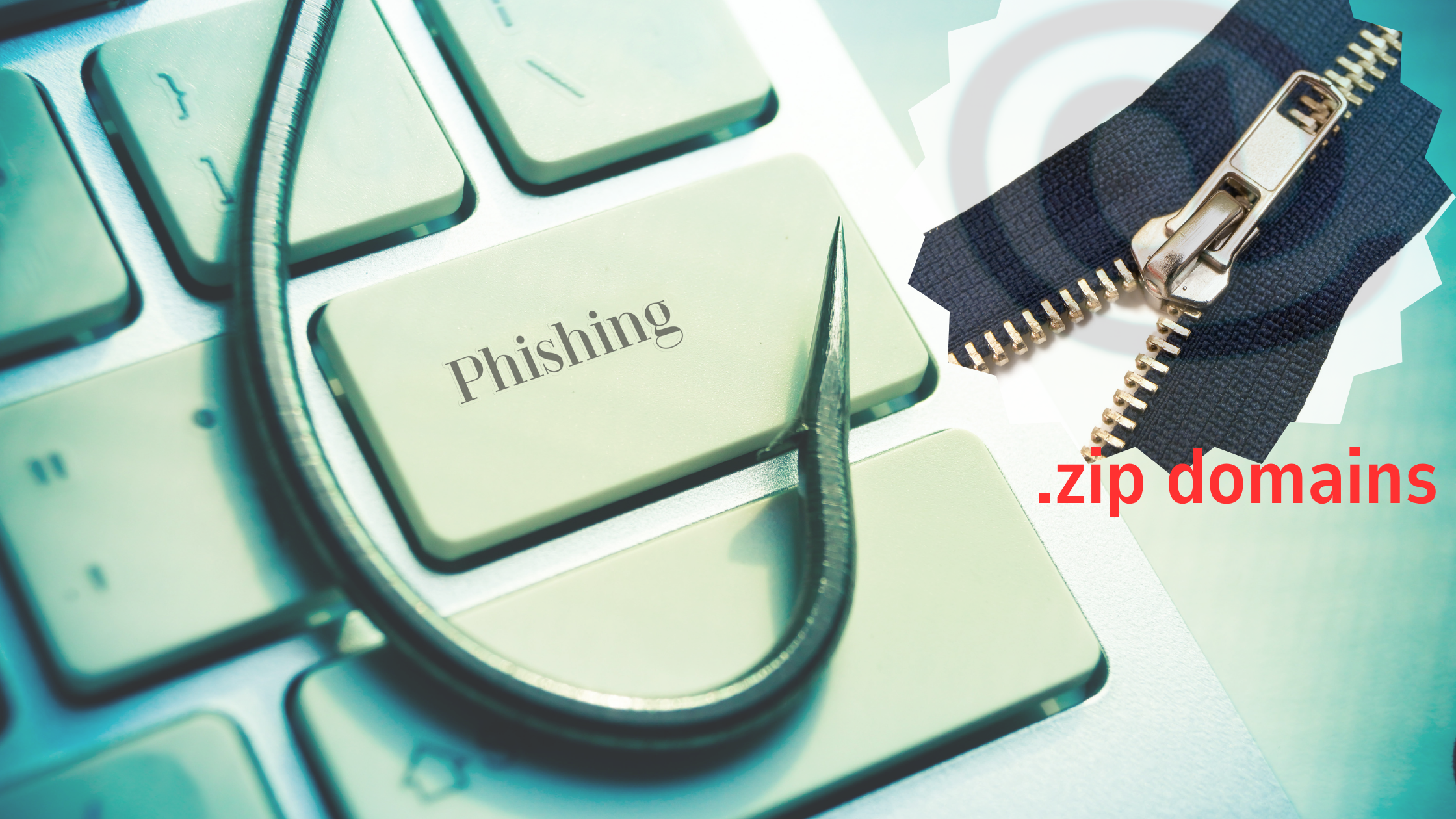
.zip domain phishing has emerged as one of the most deceptive cybersecurity threats facing internet users worldwide.
These malicious attacks exploit the visual similarity between .zip domains and common file extensions, creating confusion that cybercriminals weaponize against unsuspecting victims.
What Are .zip Domains and Why Should You Care?
The .zip top-level domain launched in 2023, bringing new opportunities for legitimate businesses. However, it also opened doors for cybercriminals to exploit user expectations.
You know what makes .zip domains particularly dangerous? They look exactly like file extensions we’ve used for decades.
When you see document.zip in an email, your brain automatically assumes it’s a compressed file. But what if it’s actually a website designed to steal your credentials?
This psychological trick forms the foundation of .zip domain phishing attacks. Hackers register domains that mimic popular services or brands, then use these deceptive URLs to harvest sensitive information.
The Global Impact of .zip Domain Phishing Attacks
Cybersecurity experts worldwide have documented a sharp increase in .zip domain phishing since the TLD’s introduction. These attacks target users across all continents, making this a truly global security concern.
Here’s what makes these attacks particularly effective:
- Visual deception: Users expect .zip to be a file, not a website
- Brand spoofing: Attackers create convincing replicas of trusted services
- Email integration: Phishing emails appear more legitimate with .zip links
- Social engineering: Attackers exploit human psychology and trust
The financial impact has been staggering. Organizations worldwide report millions in losses from successful .zip domain phishing campaigns.
How .zip Domain Phishing Attacks Work Globally
Understanding the attack methodology helps you recognize and avoid these threats. Let me break down the typical attack process:
1: Domain Registration
Cybercriminals register .zip domains that closely resemble legitimate services. They might choose names like:
- paypal-security.zip
- microsoft-update.zip
- bank-alert.zip
2: Infrastructure Setup
Attackers create convincing replicas of legitimate websites. These fake sites often look identical to the real thing, complete with proper branding and layout.
3: Distribution Campaign
The malicious links spread through various channels:
| Distribution Method | Global Usage Rate | Effectiveness |
|---|---|---|
| Email campaigns | 65% | High |
| Social media | 20% | Medium |
| Text messages | 10% | High |
| Malicious ads | 5% | Low |
4: Credential Harvesting
When victims click the links, they’re redirected to fake login pages. Any credentials entered are immediately captured by the attackers.
Spotting .zip Domain Phishing Worldwide
Recognizing these attacks requires vigilance and knowledge. Here are the warning signs that apply regardless of your location:
URL Inspection Always check the full URL before clicking. Legitimate .zip domains are rare, so approach them with skepticism.
Email Context Unexpected emails containing .zip links should trigger immediate caution. Particularly those claiming urgent action is required.
Browser Warnings Modern browsers often flag suspicious .zip domains. Don’t ignore these warnings – they’re there for your protection.
Grammar and Spelling Many .zip domain phishing emails contain subtle errors that native speakers might miss. Poor grammar often indicates a scam.
Technical Challenges of .zip Domain Phishing Detection
Security professionals face unique challenges when dealing with .zip domain phishing attacks. Traditional detection methods often fall short.
Automated Systems Struggle Many security tools weren’t designed to handle domains that look like file extensions. This creates blind spots in organizational defenses.
User Education Gaps Most people don’t understand the difference between .zip files and .zip domains. This knowledge gap makes training programs less effective.
Browser Handling Issues Some browsers display .zip domains in ways that increase confusion. The address bar might not clearly distinguish between file types and domains.
Global Defense Strategies Against .zip Domain Phishing
Protecting yourself and your organization requires a multi-layered approach. Here’s what security experts recommend:
Individual Protection Measures
- Verify URLs manually: Type addresses directly instead of clicking links
- Use bookmark shortcuts: Save legitimate sites to avoid fake alternatives
- Enable two-factor authentication: Add extra security layers to your accounts
- Keep software updated: Maintain current browser and security patches
Organizational Security Policies
Companies worldwide are implementing specific policies to combat .zip domain phishing:
- Email filtering rules that flag .zip domains automatically
- Employee training programs focusing on these specific threats
- Network monitoring to detect suspicious .zip domain traffic
- Incident response plans tailored to credential theft scenarios
Technical Solutions
Advanced security tools are evolving to address this threat:
- DNS filtering services that block malicious .zip domains
- Endpoint protection software with enhanced URL analysis
- Email security gateways with .zip domain detection capabilities
- Browser extensions that warn users about suspicious domains
Real-World .zip Domain Phishing Cases
Recent attacks have demonstrated the global reach of this threat. Here are some documented examples:
Case Study 1: Banking Sector A major European bank’s customers received emails from “security-alert.zip” requesting immediate account verification. The campaign affected over 10,000 customers across 15 countries before being shut down.
Case Study 2: E-commerce Platform Attackers created “amazon-refund.zip” to target shoppers worldwide. The fake site collected payment information from victims across North America, Asia, and Europe.
Case Study 3: Social Media Phishing A “facebook-security.zip” campaign targeted users globally, stealing credentials from accounts in over 50 countries.
These cases highlight how .zip domain phishing transcends geographical boundaries, affecting users regardless of location.
Industry Response to .zip Domain Phishing Threats
The cybersecurity community has responded quickly to this emerging threat. Major organizations are taking action:

ICANN Considerations The Internet Corporation for Assigned Names and Numbers continues monitoring .zip domain abuse. They’re working with registrars to implement stricter policies.
Browser Developer Actions Companies like Google and Mozilla are updating their browsers to better handle .zip domains. New warning systems are being developed specifically for these threats.
Security Vendor Solutions Antivirus companies and security firms are updating their products. Enhanced detection capabilities for .zip domain phishing are becoming standard features.
Future Trends in .zip Domain Phishing
Experts predict these attacks will become more sophisticated over time. Here’s what we might see:
AI-Generated Content Attackers may use artificial intelligence to create more convincing fake websites and emails. This could make detection significantly more difficult.
Targeted Campaigns We expect to see more personalized .zip domain phishing attacks. Criminals will likely research victims more thoroughly before launching campaigns.
Mobile-Focused Attacks As mobile internet usage grows globally, .zip domain phishing will likely shift toward mobile platforms where detection is more challenging.
Protecting Your Global Digital Presence
Whether you’re in New York or Nairobi, Tokyo or London, these protection strategies work everywhere:
Individuals:
- Stay informed about current phishing trends
- Use reputable security software with real-time protection
- Verify suspicious communications through official channels
- Report phishing attempts to relevant authorities
Organizations:
- Implement comprehensive security policies addressing .zip domain threats
- Conduct regular training sessions for all staff members
- Deploy advanced email security solutions
- Monitor network traffic for suspicious .zip domain activity
Web Developers:
- Educate clients about .zip domain phishing risks
- Implement proper SSL certificates to distinguish legitimate sites
- Use content security policies to prevent malicious redirects
- Regular security audits to identify vulnerabilities